

Nobody likes a slow website. But as well as being frustrating for you and your site visitors, it can harm your SEO as Google uses page loading time as a ranking factor in search results. Learn more about the common culprits of a slow website and how to fix them in this article.
How long does your website take to load?
There are a number of free online tools available to give you an idea of how long it takes for your website to load. These include Google PageSpeed Insights, Pingdom, and GTmetrix (my personal favourite). These tools will tell you how long your website takes to load, and give you suggestions on how to improve by identifying any issues.

If your website is taking longer than a few seconds to load, you need to investigate why this is happening. Ideally, a website should load in 2 seconds or less.
Causes of a slow website
Often it is very easy to identify what is causing a website to load slowly, and in most cases these problems are easily fixed. They include:
- Large Image Files
- Bloated WordPress Theme
- Video Files
- Excessive Plugins
- Improper or No Caching
- Poor Web Hosting
- Other Causes
Let’s delve deeper into these issues:
Large Image Files

Images should be resized and compressed before they’re uploaded to your website to ensure they have the smallest file size possible. As a web page is typically composed of multiple images, having huge image files can drastically increase the load time of your website. A photo taken directly from a camera or phone will be a whopping 2 – 4MB in size. Ideally, website images should be less than half a MB (or 500kb) each.
Use an image editing tool such as Photoshop or Canva to resize your images to a maximum of 1500px for full-width images (eg. backgrounds, banners or sliders) or 1000px for other images. Ensure you save them in a JPG format (or even better, WebP!) with an 80-90 quality compression, and don’t use formats like PNG or GIF unless you need to.
You can also utilise services such as ShortPixel or TinyPNG to further compress the image and reduce the file size.
Bloated WordPress Theme

With WordPress websites, the theme provides the basic skeletal structure and styling. There are tens of thousands of WordPress themes available, each with unique features and appearances. The more complex or ‘bloated’ your theme – the more code and script is added to your page and therefore the longer it will take to load.
Try to opt for minimal, light-weight themes such as Astra or Hello Elementor.
Video Files
Video files often have a very large file size and therefore take a long time to load on a web page. For this reason, videos should be used sparingly and ideally should not be set to play automatically. Hosting videos off-site on services such as YouTube or Vimeo, and embedding them on the web page, can improve your loading time versus uploading the video directly to the website.
Excessive Plugins
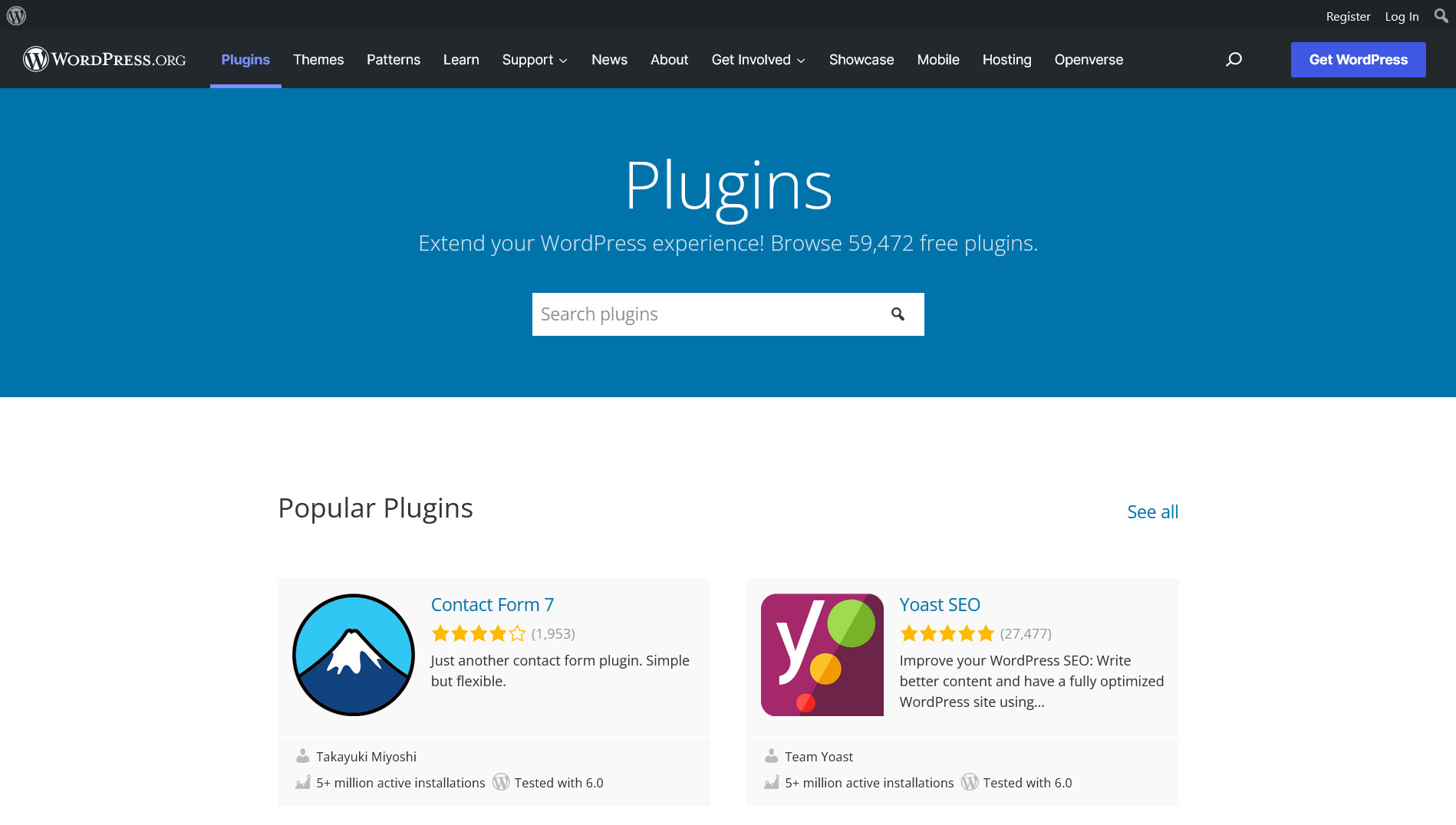
Plugins are apps which provide additional features and functionality to your WordPress website, such as page builders, SEO, and security. There are thousands of plugins – both free and paid – which can be used with WordPress to add a huge range of features to the website. This is what makes WordPress so great as the vast number of plugins available enable you to achieve virtually anything!
However, each plugin adds extra code and scripts to your web pages, affecting the loading time. Use plugins sparingly and only install ones you actually need. Most CRJ Design websites have very few plugins, just 10 or less.
Improper or No Caching
One of the best ways to improve a website’s loading time is by utilising caching. Put simply, this is where the website files are stored in such a way that it is easier or faster to retrieve than the original source. Instead of a browser fetching a fresh copy of the site and having to generate the web page by pulling all of your code, scripts, and files together (an often time-consuming proccess), the page is already accessible quickly and easily from the cache.
Most good web hosts – including CRJ Design – include server-side caching in your hosting plan. This can be extended even further with a CDN (Content Delivery Network) which caches your website on various servers all over the World so it can be accessed quickly regardless of the site visitor’s location. All CRJ Design Hosting Plans include a completely free CDN.
If you do have caching enabled, make sure this is configured properly. Plugins, cookies, and code can all interfere with your caching, so it’s important to check that your cache is getting a ‘hit’ and not a ‘miss’. Find out more about Cache Miss vs Cache Hits in this article.
Poor Web Hosting

Finally, if you have exhausted all other possibilities, it may just be that your Web Hosting isn’t up to standard. Websites – particularly WordPress websites – can be very demanding and resource-heavy, so it’s vital that you use a web host which can handle the demands of a powerful site.
Some web hosts are simply better than others, and I have encountered problems before with websites loading very slowly (or not at all) when using a poor web hosting provider. When choosing a web host, these are some things to consider:
- SSD Storage – how much storage will you have available, and is this powered by SSD (not HDD which is significantly slower)?
- Bandwidth – how much bandwidth is available?
- Caching – does the web host offer server-side caching or a CDN?
- WordPress – is the web hosting server optimised for, and specifically designed to cope with, WordPress?
- Memory (RAM) – much like a computer, does your hosting offer enough memory?
If you are in need of a fast and reliable Web Hosting Provider, you can find out more about CRJ Design’s Web Hosting Service here. Thanks to unlimited storage and bandwidth, built-in free caching and CDN, and a fully WordPress-optimised platform, websites hosted with CRJ Design can load up to 48 x faster than others.
Other Causes
There are other, more complex causes of a slow website (though often these are directly linked to other issues mentioned here such as plugins, themes, or image files). They include:
- Large number of HTTP requests – caused by a large number of files, scripts, and/or third-party requests
- Excessive DOM size – caused by too many nested HTML tags
- Render-blocking resources – caused by CSS or JavaScript code preventing a page from loading quickly
A web developer should be able to look into these problems for you and advise on how to fix it. CRJ Design’s Web Hosting plans come with a suite of Web Optimisation Tools which can help to reduce these issues.